If you possess a valid promo code, the application process is straightforward:
Locate the Promo Code Box: During the sign-up or checkout process on the official Altitude+ website, you will find a dedicated input field or box for promo codes.
Enter the Code: Carefully type or paste your promo code into the designated box.
Click "Apply": After entering the code, click on the "Apply" button. This action will validate the code and, if successful, adjust the subscription price or apply the designated benefit before you proceed to add your payment card details.
Important Considerations:
Always double-check the terms and conditions associated with any specific promo code to ensure it aligns with your intended subscription.
Ensure the promo code is entered and applied before finalizing your payment details to guarantee the discount or offer is successfully redeemed.
By adhering to these guidelines, new subscribers can take full advantage of the exclusive promotions available through Altitude+.
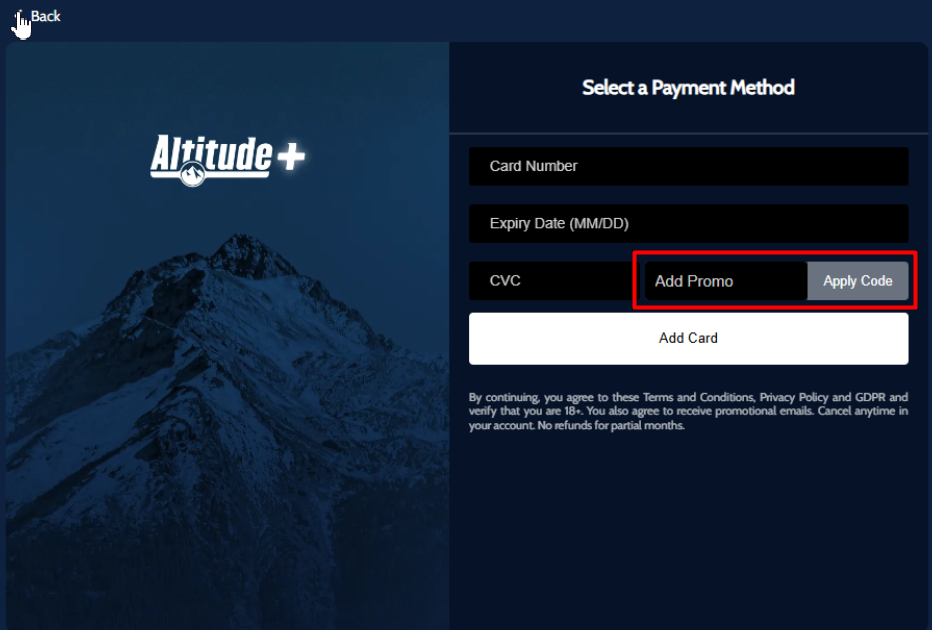
Or please use this link https://www.altitudeplus.com/checkout and add the code on Offer Code space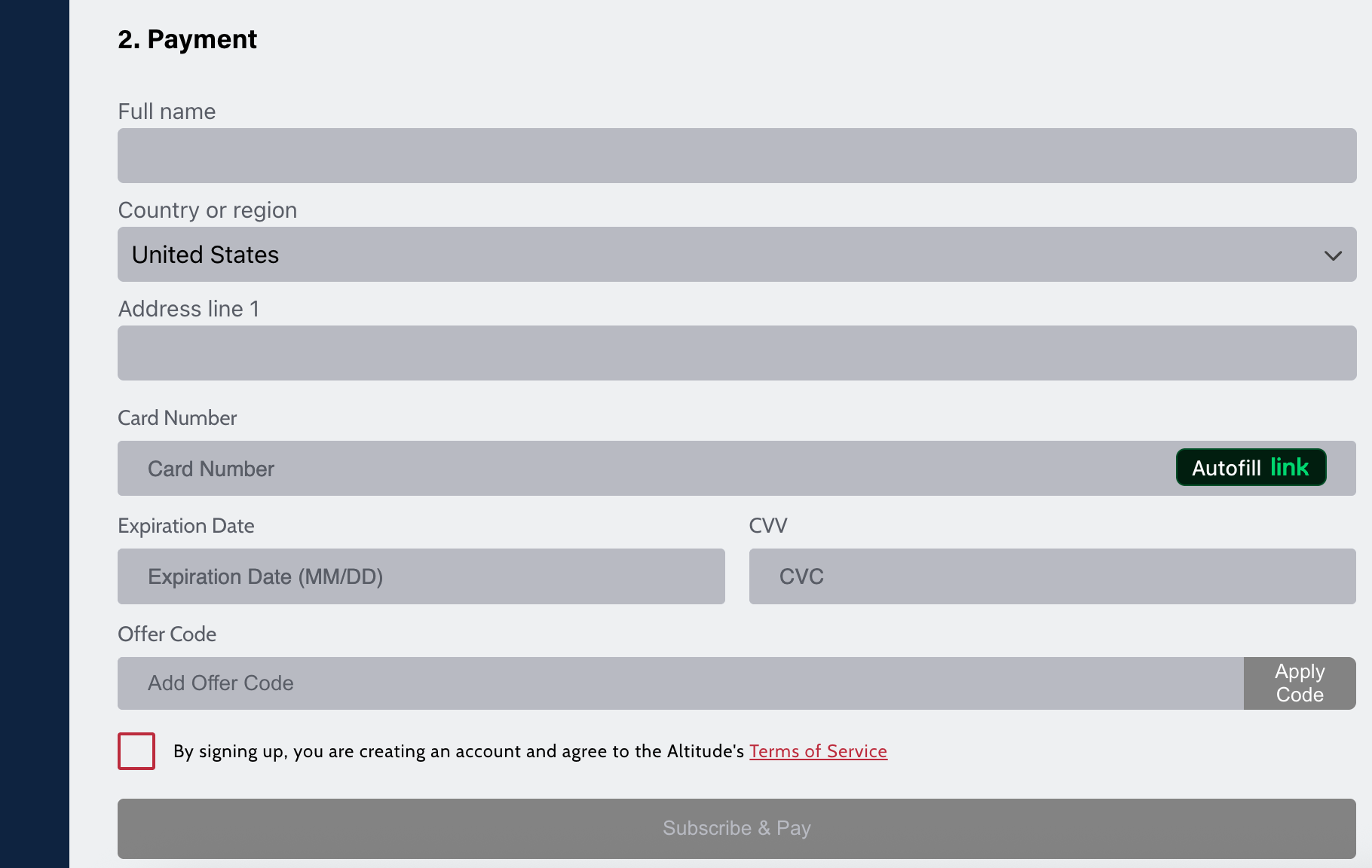
Was this article helpful?
That’s Great!
Thank you for your feedback
Sorry! We couldn't be helpful
Thank you for your feedback
Feedback sent
We appreciate your effort and will try to fix the article