Altitude+ offers two convenient subscription options:
Annual Subscription: $199.99 per year. This is the most cost-effective choice for dedicated fans.
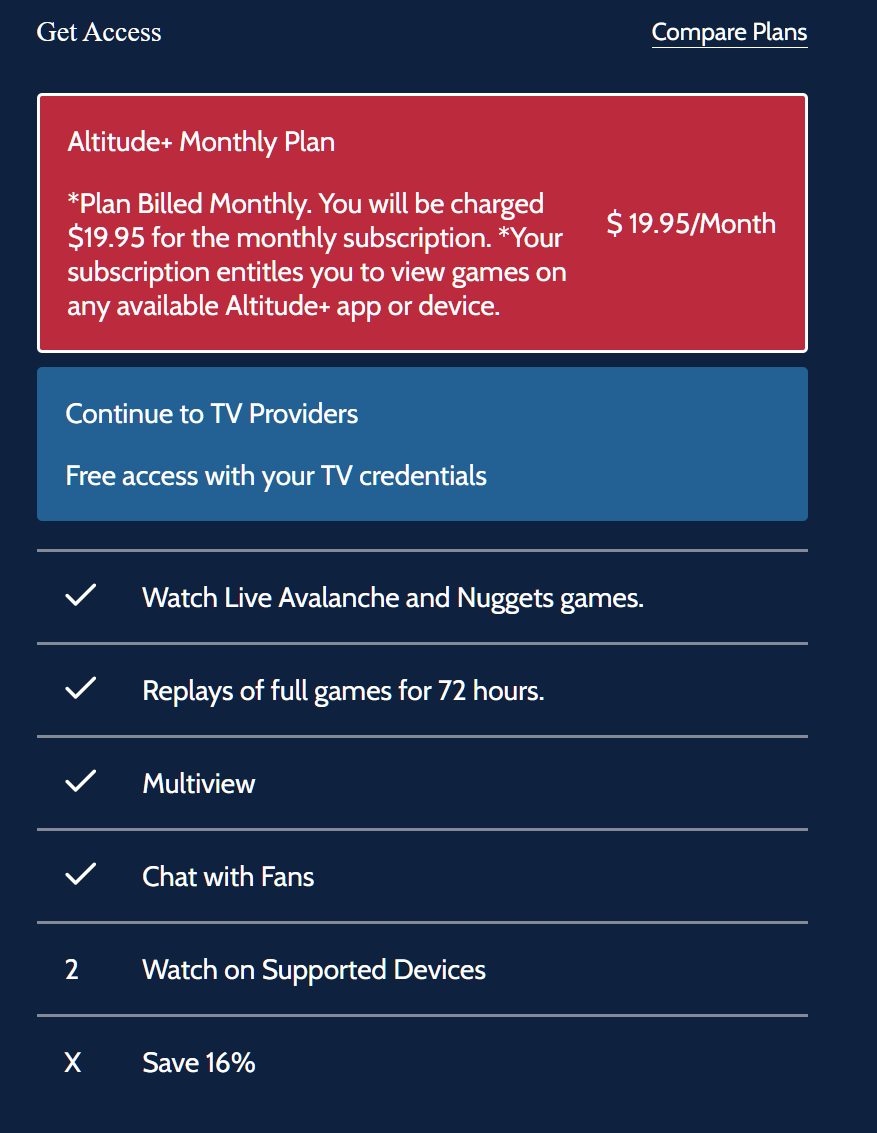
Monthly Subscription: $19.95 per month. This provides maximum flexibility.
to Subscribe to Altitude+ start by visiting the Altitude+ website: https://www.altitudeplus.com
For New Users:
Allow Altitude+ to know your location while visiting the site.
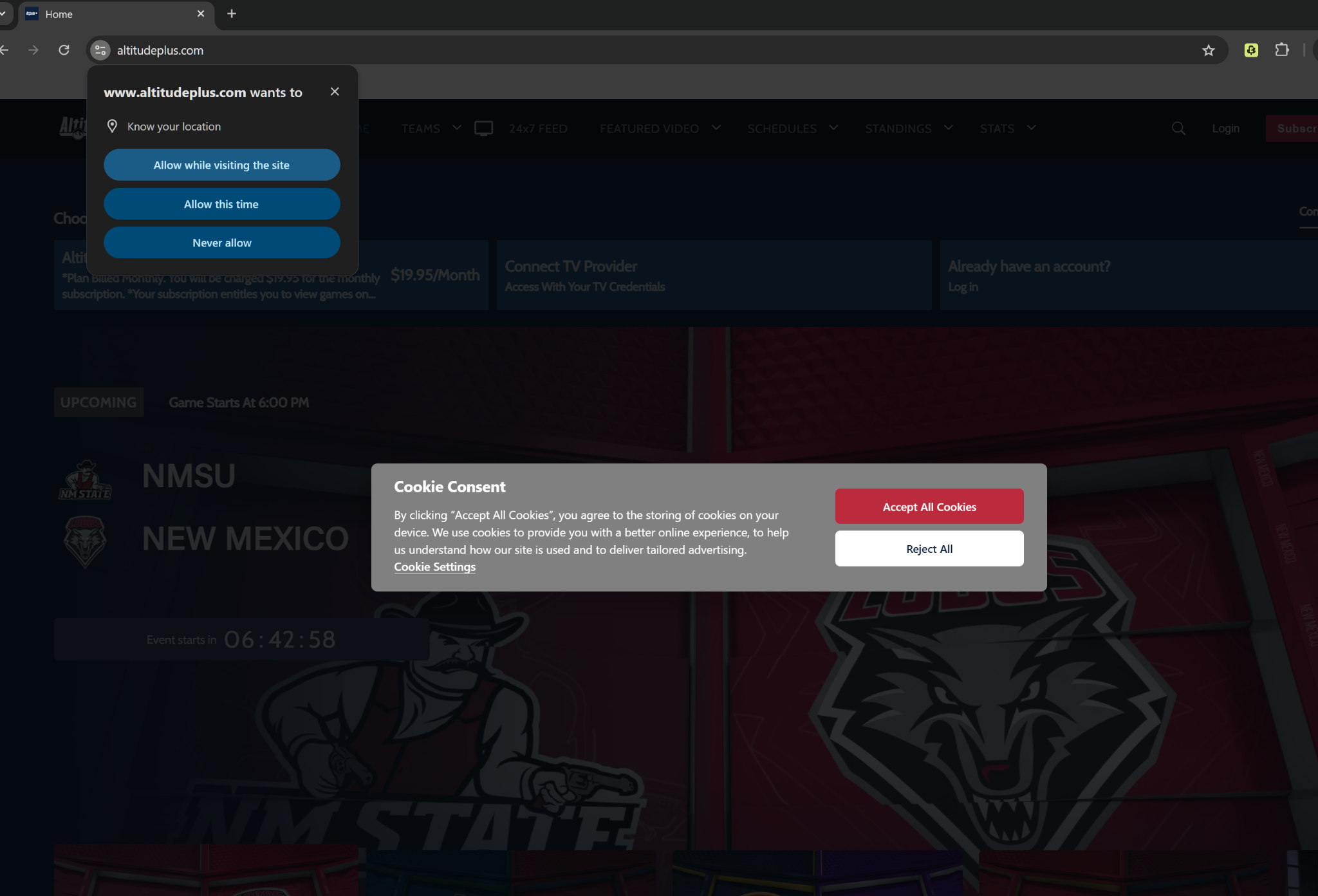
Click "Subscribe Now" and follow the registration prompts. For Existing Users Select "Login." and then "Subscribe Now"
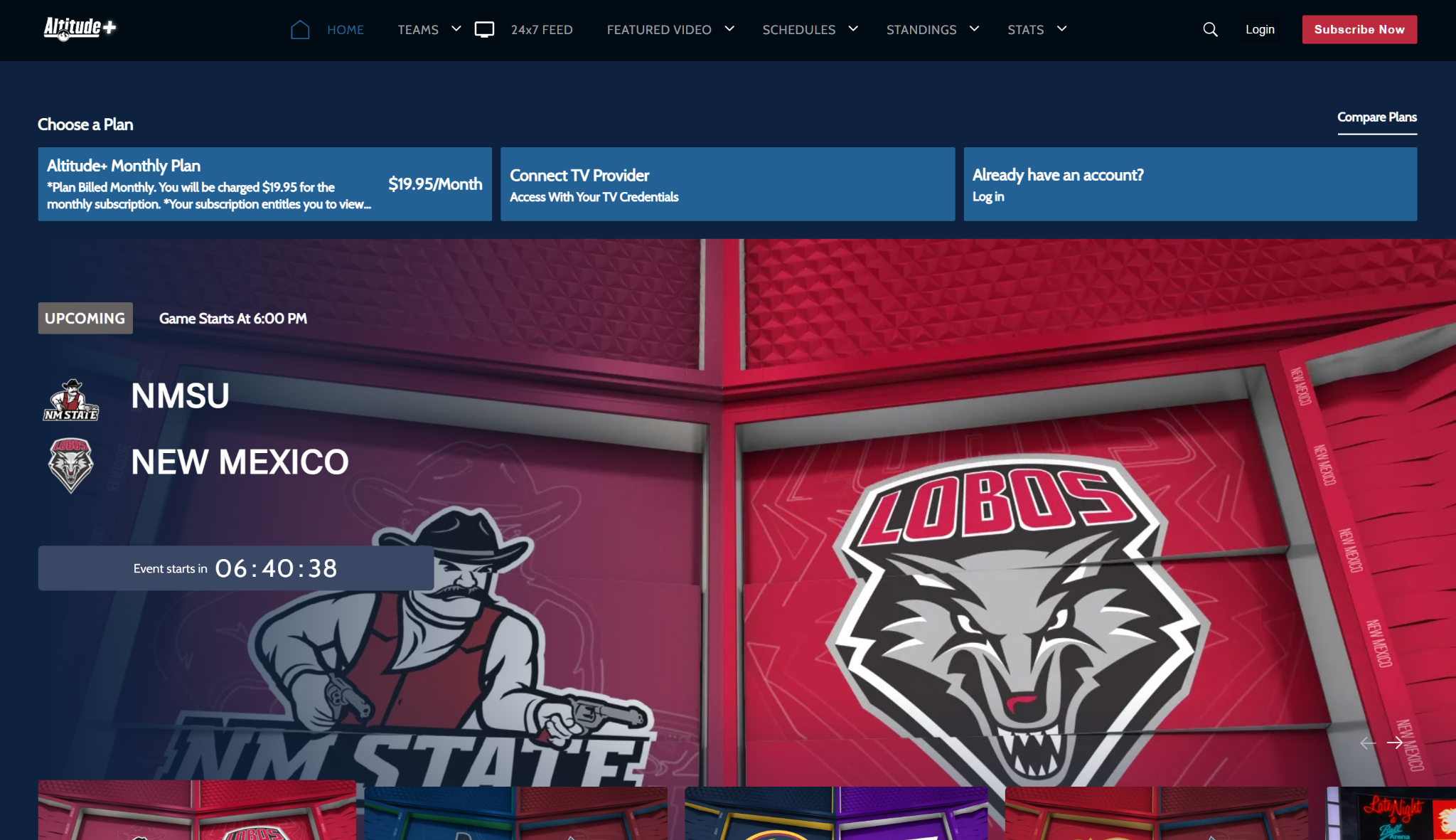
Account Setup:
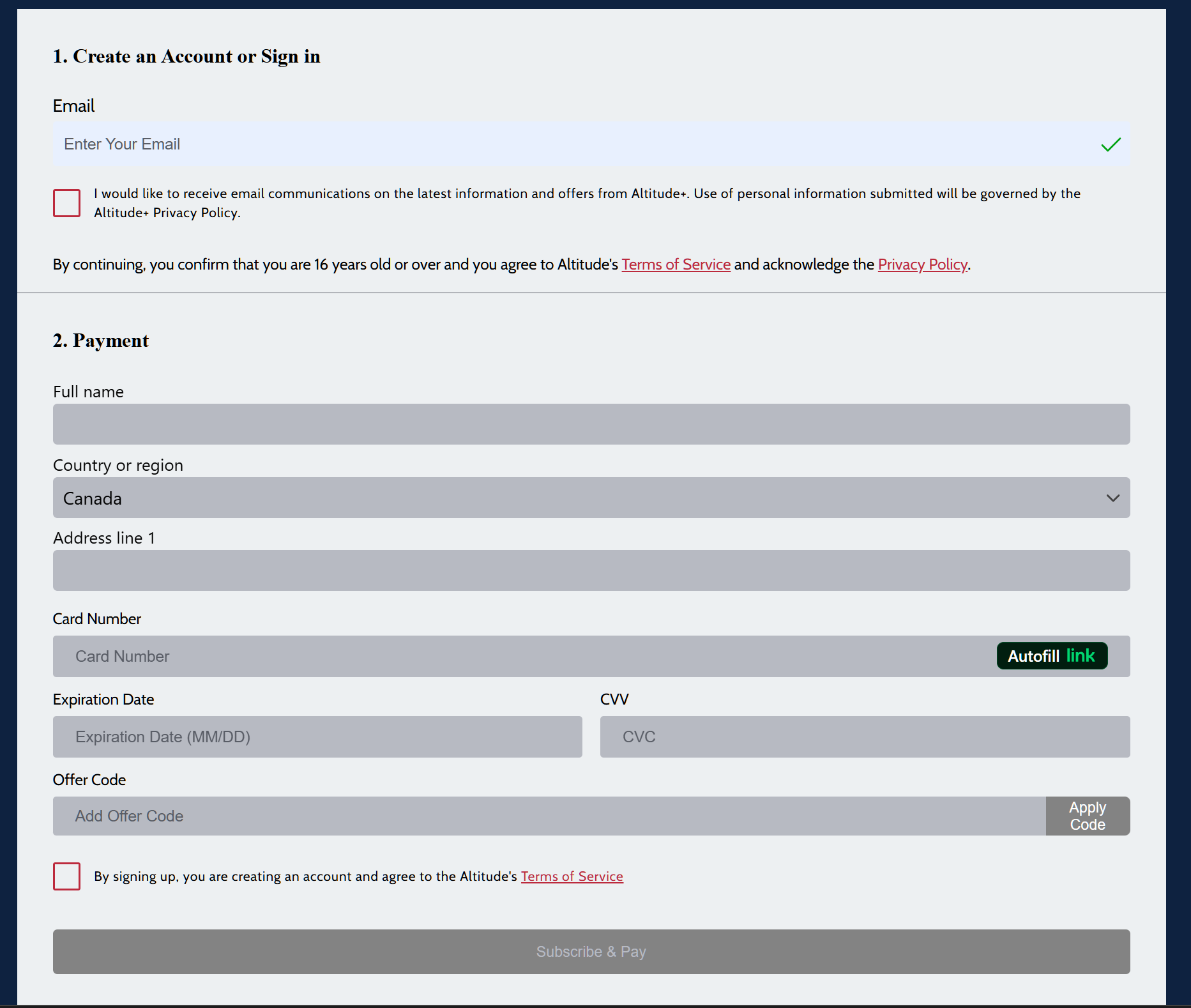
Enter your email address.
Complete your personal information and click Continue.
Enter your payment details. If you have a discount, enter your Promo Code in the Add Promo section and click Apply Code.
Ensure the desired plan is selected; it should be highlighted in red.
If a new screen appears for additional information, complete it and click Subscribe and Pay.
You can now start enjoying all the exclusive content on Altitude+!
Please be aware that subscription is only available to users located within the accepted broadcast range.
You can verify service availability in your area here: https://www.altitudeplus.com/check-service
We currently cannot support users traveling outside of the accepted licensing range and apologize for any inconvenience.
Was this article helpful?
That’s Great!
Thank you for your feedback
Sorry! We couldn't be helpful
Thank you for your feedback
Feedback sent
We appreciate your effort and will try to fix the article