You can check if your location is eligible by visiting the 'check service' page on the Altitude+ website.
Setting a Home Location helps the app remember where you "belong" even if your cellular data drifts slightly.
Go to Account > Location > Change Home Location.
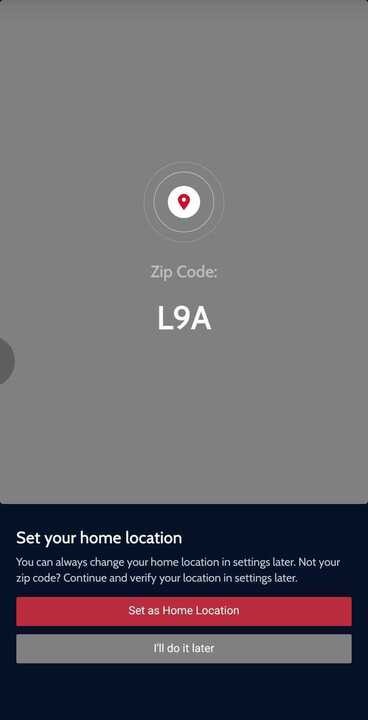
Note: You can only update this twice a year.
Was this article helpful?
That’s Great!
Thank you for your feedback
Sorry! We couldn't be helpful
Thank you for your feedback
Feedback sent
We appreciate your effort and will try to fix the article